
Personalising your profile on the ARDA app
To make the most of the ARDA app for networking, we recommend you take a couple of minutes to personalise your profile with a photo and contact details, which will help other users connect with you more easily. This simple guide walks you through the process.
Step 1 – Download the ARDA Africa App from the App Store or Google Play.

Step 2 – Click on the profile icon in the tool bar at the bottom of the screen.
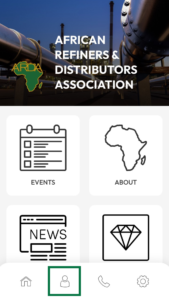
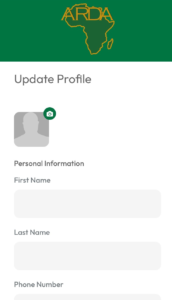
Step 3 – Choose ‘Edit’ to add your personal information.

Step 4 – To help people find you more easily, we recommend adding a photograph and the following information: name, email, job title, company name, LinkedIn URL (if you have one). Click ‘Save’ when you’re finished.
Step 5 – Once you’ve updated your profile, you need to make sure it’s visible to other users. Click the profile icon once again and choose ‘settings’. Ensure ‘Yes’ is selected to ‘show your profile in the ARDA Community List’.

In this screen, you can also select your preferred language (English or French) and whether you’d like to receive push notifications from the app. Once you’ve confirmed your choices, click ‘submit’.
Your details are now visible on the app for others to see. If you’d like to view somebody else’s contact details, click on the home icon and select the ‘Community’ tab.

Here you can search for other users who have profiles on the app. You are now ready to connect with other industry professionals and share your experiences.
If you have any trouble setting up your personal profile, please get in touch with our team via the Contact Us button on the home menu of the app.
See all articles and social media on the ARDA News page. Voir tous les articles et posts sociaux sur la page ARDA News.
Featured post
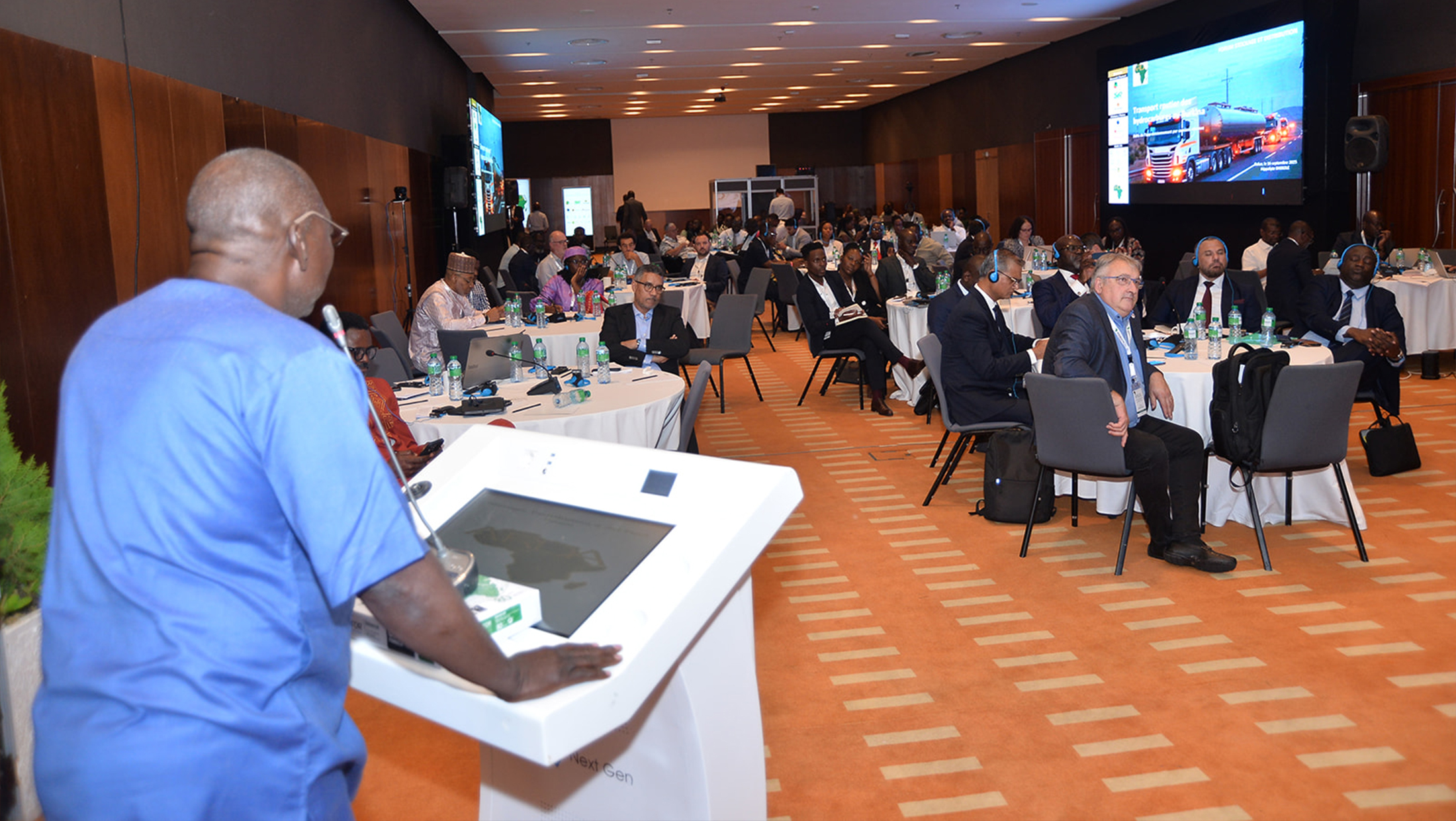
Storage, Distribution & Jet Fuel Forum 2026 | Press release
PRESS RELEASE: ARDA to bring Africa’s downstream energy leaders together in Nairobi as East Africa enters a new phase of energy infrastructure development
Recent posts
Latest posts
Storage, Distribution & Jet Fuel Forum 2026 | Press release
PRESS RELEASE: ARDA to bring Africa’s downstream energy leaders together in Nairobi as East Africa enters a new phase of energy infrastructure development
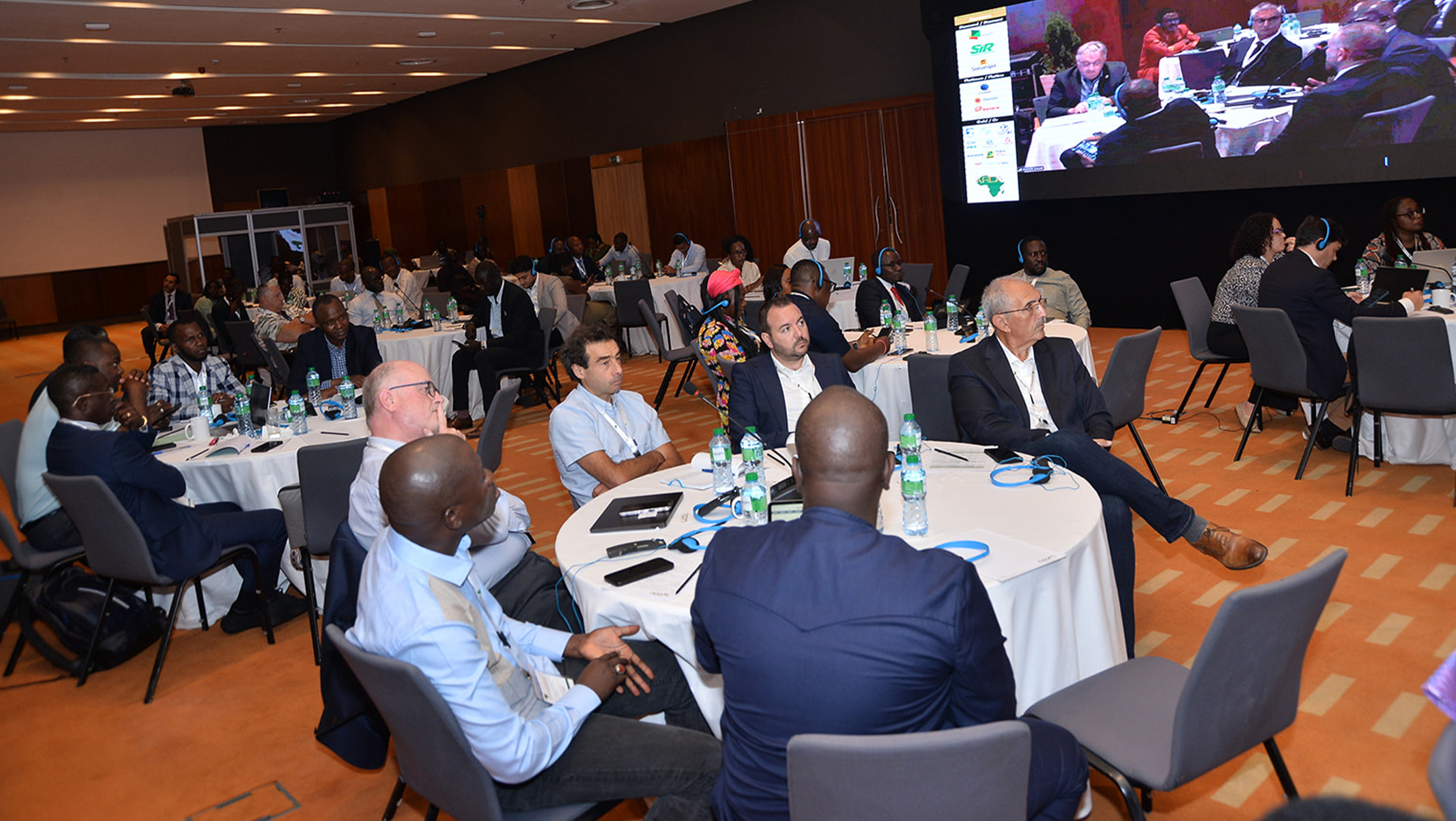
Forum 2026 Stockage, Distribution & Jet Fuel de l’ARDA | Communiqué de presse
COMMUNIQUÉ DE PRESSE : L’ARDA réunira à Nairobi les principaux acteurs africains de l’aval pétrolier et gazier alors que l’Afrique de l’Est entre dans une nouvelle phase de développement de ses infrastructures énergétiques
ARDA to join industry leaders at 7th West Africa LPG Expo in Abidjan
ARDA will join industry leaders at the 7th West Africa LPG Expo in Abidjan on 2–3 September 2026, highlighting LPG’s role in advancing clean cooking and Africa’s energy transition.